Apps I build for Android and Android Auto, how they work, and what the platform lets an app do. With the code, the tests and the real drives behind each one.
Some things I need on my phone or in my car do not exist yet.
So I build them myself.
These posts follow those builds from the design to the road.
They cover:
What each app does, and why I built it.
What Android and Android Auto let an app do, and what they hold back.
How the code was written and tested, including with AI.
What went wrong on the bench and in the car, and how it was fixed.
The code is public, so you can check it yourself.
AutoNavAlerts, Part One: A Sat Nav Of My Own For Android Auto
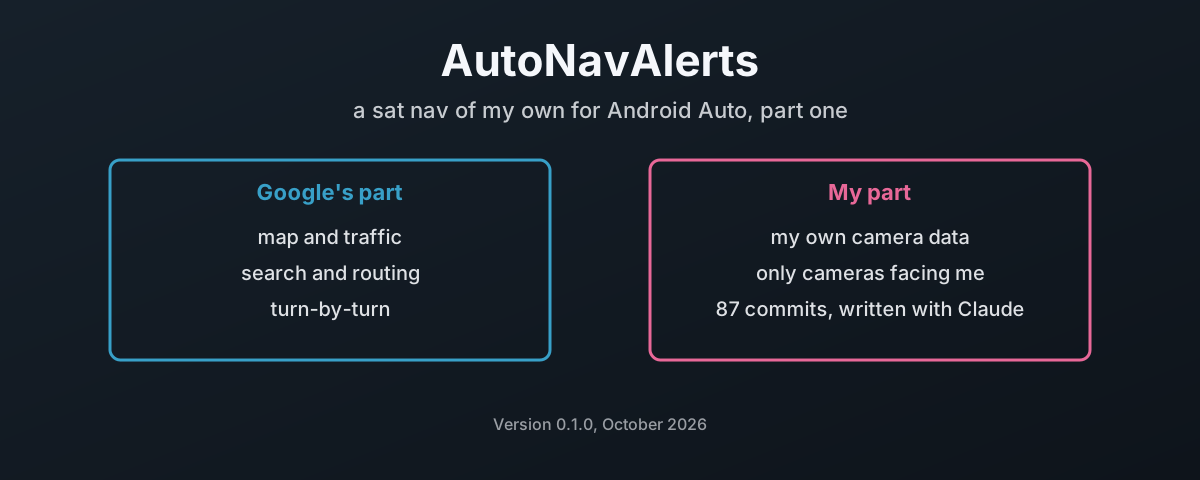
AutoNavAlerts is an Android Auto navigation app I am building on Google’s Navigation SDK: Google’s map, traffic, search and turn-by-turn, with a camera alert system on top that loads my own PocketGPSWorld subscription and only alerts for cameras facing my direction of travel. Part one covers what it does today, what Google allows a third-party app to do on the car screen and what it holds back (incident reporting, the speed limit, touch on its own controls), why every user brings their own Maps key and their own camera data, and how the code was written with Claude: a design document first, 87 commits in under two days, the hard rules that came out of the test bench, the bugs the agents wrote and how each one was caught, and the first real drive in the car.